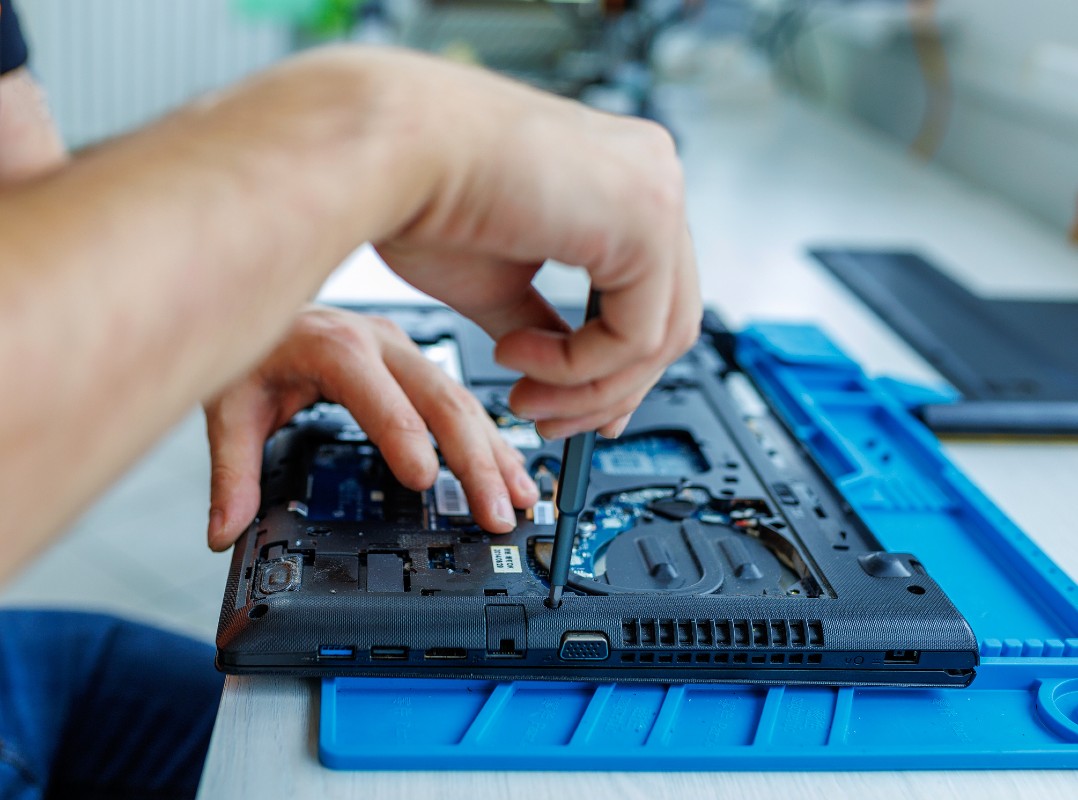
Should you repair or replace a business computer? A business computer is usually worth repairing when it is relatively new, reliable and the problem can be fixed cost-effectively. Replacement is often the better option when a computer becomes unreliable, struggles with everyday software, no longer receives appropriate security support, or the cost of repairs and lost productivity begins to outweigh the cost of a new machine.
For most businesses, computers are essential to keeping day-to-day operations running smoothly. When a computer starts becoming slow, unreliable or prone to problems, the immediate question is often: should we repair it or replace it?
There isn’t a one-size-fits-all answer.
The right decision depends on the age and condition of the computer, the cost of the repair, how it is being used and the impact it has on your business.
At Adept IT Solutions, we help businesses in Norwich and across Norfolk make practical decisions about their technology rather than automatically recommending replacement. The key question is: when is it better to repair, and when is it time to upgrade?
When is it worth repairing a business computer?
Repairing a computer can often be the most sensible option when the underlying hardware is still in good condition.
For example, a relatively new computer that has developed a software problem, needs additional memory or has a failing storage drive may be worth repairing. A hardware upgrade can sometimes give an older machine a new lease of life without the cost of buying a completely new computer.
Repair may be appropriate when:
- The computer is relatively new and otherwise reliable.
- The problem is straightforward to diagnose and fix.
- A component such as the SSD, RAM, battery or power supply needs replacing.
- The computer still meets the requirements of the software your business uses.
- The cost of repair is significantly less than replacement.
- The computer is suitable for the user’s current and expected workload.
A good repair should do more than simply get the computer working again. It should provide a reasonable expectation that the machine will remain reliable.
When is replacement the better option?
Sometimes continuing to repair an ageing computer is simply a false economy.
If a machine is regularly experiencing problems, taking longer to start, struggling with everyday applications or becoming incompatible with newer software, replacement may make much more business sense.
Consider replacing a computer when:
- It is becoming increasingly unreliable.
- Repairs are becoming frequent or expensive.
- It is too slow for the way your employees now work.
- It cannot run the latest operating system or business applications effectively.
- It is no longer receiving appropriate security or software support.
- Replacement parts are difficult to source.
- Downtime is becoming a regular problem.
- The cost of repair is a significant proportion of the cost of a suitable replacement.
The real cost of an old computer isn’t necessarily the repair bill. It is also the lost productivity, employee frustration and business downtime caused by an unreliable machine.
What are the minimum requirements for a business computer?
The right specification depends on what the computer is being used for. A laptop used mainly for email and Microsoft 365 will have very different requirements from one running CAD, video editing, graphic design or specialist engineering software.
However, for a typical small business using Microsoft 365, Teams, web browsers, accounting software and cloud-based business applications, we would recommend the following as a sensible baseline:
| COMPONENT | SENSIBLE MINIMUM for most businesses |
| Operating system | Windows 11 Pro |
| Processor | Intel Core i5 (10th generation), AMD Ryzen 5 (4th generation) or equivalent |
| Memory (RAM) | 16GB |
| Storage | 256GB SSD |
| Display | Full HD (1920 × 1080) |
| Network | Wi-Fi 5 or better, with Gigabit Ethernet where required |
| Security | TPM 2.0, Secure Boot and appropriate endpoint protection |
| Warranty | At least 1 year |
| Microsoft 365 | Compatible with the Microsoft 365 applications your business requires |
These are not hard-and-fast rules for every business, but they provide a useful starting point when purchasing or replacing equipment.
Why do we recommend 16GB of RAM for a business computer?
Although 8GB may still be sufficient for very basic computing, 16GB is a more practical minimum for most business users.
Modern employees often have Outlook, Teams, several browser tabs, Word, Excel and other applications open at the same time. Having sufficient RAM helps the computer remain responsive when multitasking.
For more demanding users working with large spreadsheets, databases, creative applications or specialist software, 32GB or more may be appropriate.
Buying the right amount of memory for the way an employee works can make a noticeable difference to everyday performance.
Why should a business computer have an SSD?
A solid-state drive (SSD) should be considered essential for a modern business computer.
Compared with traditional mechanical hard drives, SSDs provide faster startup times, quicker application loading and a more responsive experience. They also have no moving parts, reducing the risk of mechanical failure.
For most business users, 512GB is a sensible minimum, although employees who store large quantities of files locally may require more.
Why Windows 11 Pro?
For business use, we generally recommend Windows 11 Pro rather than the Home edition.
Windows 11 Pro provides business-focused features and management capabilities that can be important when computers form part of a wider IT environment. Depending on how your business is set up, features such as BitLocker encryption, Microsoft Entra ID integration and device management can be particularly useful.
The important point is to make sure the computer you buy is compatible with your wider IT and security strategy.
Don’t overlook security when replacing business computers
A business computer shouldn’t just be fast. It also needs to be secure.
Modern business PCs should support security technologies such as TPM 2.0 and Secure Boot and should be capable of running your chosen endpoint protection.
It is also important that computers remain within the supported lifecycle of their operating system and manufacturer.
Buying an exceptionally cheap computer that cannot be properly secured, managed or supported can prove expensive in the long run.
Security also extends beyond the computer itself. Businesses should consider multi-factor authentication, encryption, endpoint protection, secure backups and appropriate access controls as part of their overall IT strategy.
What should you look for in a business laptop?
For laptops, there are a few additional considerations.
A business laptop may be used for several hours every day, so reliability and usability are just as important as processor speed. We would also consider:
- Battery life.
- Screen quality and resolution.
- Keyboard and touchpad quality.
- Webcam and microphone quality.
- USB-C connectivity.
- Docking station compatibility.
- Wi-Fi performance.
- Weight and portability.
- Manufacturer warranty and support.
For employees who regularly work from home or travel, spending a little more on a well-built business laptop can be a worthwhile investment.
Don’t buy more computer than you need
It can be tempting to buy the most powerful computer available, but that isn’t always the best use of your IT budget.
Someone who spends most of their day using Outlook, Teams, Microsoft 365 and web applications may not benefit significantly from an expensive high-end workstation.
On the other hand, an employee working with large datasets, design software, video, CAD or other demanding applications could quickly become frustrated with a basic machine.
The best approach is to match the specification to the role.
That also means different people within the same business may need different specifications. Standardising where possible can make computers easier to manage, but the equipment still needs to be appropriate for the employee using it.
Think about the cost of computer downtime
One of the biggest mistakes businesses make is looking only at the price of the repair or replacement.
Imagine an employee spends just one hour every week dealing with a slow or unreliable computer. Over a year, those lost hours quickly add up. If several members of staff are experiencing similar problems, the cost to the business can become substantial.
Sometimes spending more on a replacement computer is the cheaper option when productivity and downtime are considered.
There is also the cost of disruption. A computer that fails unexpectedly could leave an employee unable to access files, email, business applications or customer information while the problem is resolved.
So when you’re comparing the cost of a repair with replacement, consider the impact on the employee and the business.
How old is too old for a business computer?
There isn’t a magic age at which every business computer needs replacing.
A well-maintained business computer may continue to perform perfectly well for several years, while a heavily used machine may need replacing sooner.
Instead of looking solely at age, consider:
- Performance
- Reliability
- Security
- Compatibility with the software you use
- The cost and frequency of repairs
- The employee’s requirements
- Total cost of ownership
A five-year-old computer that is reliable, secure and meets the user’s requirements may still be perfectly adequate. On the other hand, a three-year-old computer that constantly crashes and costs hours of lost productivity could already be a poor investment.
This is why we wouldn’t recommend replacing business computers simply because they have reached a particular age.
Plan your computer replacement strategy
Rather than waiting for computers to fail, businesses should ideally have a planned replacement strategy.
Keeping an up-to-date record of your computers can help you understand:
- What equipment you have.
- How old each computer is.
- Which devices are approaching the end of their useful life.
- Which machines are causing recurring problems.
- What your future hardware requirements are likely to be.
- When replacement costs should be included in your IT budget.
This makes replacing computers a planned business expense rather than an unexpected emergency.
It also allows you to standardise equipment where appropriate, making it easier to support users, manage security and replace devices when they reach the end of their useful life.
For businesses with multiple computers, this can be particularly useful. Replacing equipment gradually according to a planned schedule can be much easier to budget for than discovering several machines need replacing at once.
Repair or replace? We can help you decide
If you’re unsure whether a computer needs repairing or replacing, getting an independent assessment can help you make the right decision.
At Adept IT Solutions, we provide practical IT support for businesses in Norwich and across Norfolk. We can assess your existing computers, identify potential problems and advise whether repair, upgrading or replacement is the most sensible option.
Sometimes the answer is a simple repair. Sometimes an upgrade will extend the life of a computer. And sometimes replacing it is the most cost-effective and reliable solution.
The important thing is making the decision before a computer failure starts affecting your business.
If you’re reviewing your business computers or planning an IT refresh, get in touch for practical, impartial advice on the right equipment for your business.